Installation Guide
Prerequisites
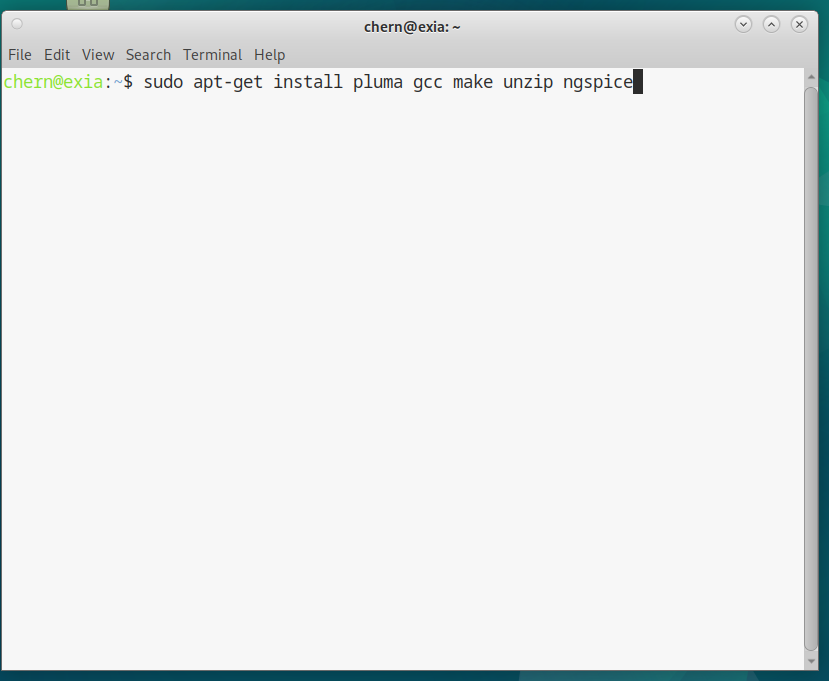
If you are using Ubuntu MATE, then you can get all the prerequisites with:
sudo apt-get install pluma gcc make unzip ngspice
This installs:
|
Pluma: |
Text editor |
|
GCC: |
GNU Compiler Collection (C compiler) |
|
Make: |
For building and installing/uninstalling |
|
Unzip: |
For extracting ZIP archives |
|
Ngspice: |
Circuit simulator |
For other text editors a rather good list can be found here.
Compiling From Source
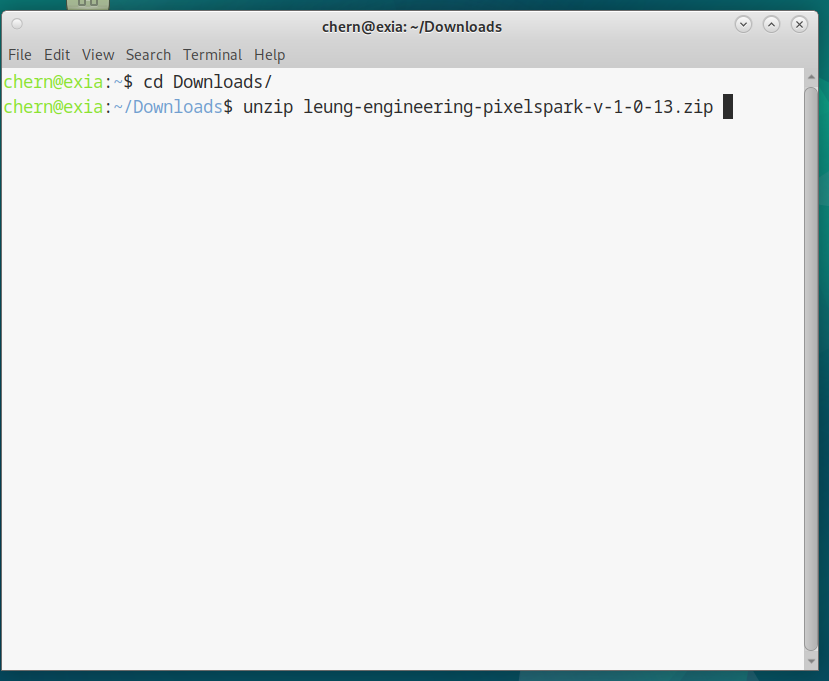
If you have downloaded the ZIP file of Pixel Spark Version 1.0.13, and it is in your Downloads folder, the terminal commands to extract the ZIP archive are:
cd Downloads

unzip leung-engineering-pixelspark-v-1-0-13.zip
This will extract the project root directory into your Downloads folder.
Then it is simply a case of:
cd where/pixelspark/root/directory/is

make

./build/pixelspark
If you are feeling dangerous, you can copy pixelspark to your /usr/bin directory:
sudo make install
Or if you don't trust makefiles:
sudo cp build/pixelspark /usr/bin
To check that it has been installed:
pixelspark
Operation
Creating and opening a Pixel Spark file in your home directory is done like this:
pixelspark ~/directory/name-of-file
Or if you have not installed it, this will create and open a file called 1.sch in your home directory:
./where-pixelspark-root-directory-is/pixelspark-root-directory/build/pixelspark ~/1.sch
You can always save to wherever you like and name it to whatever you like.
Opening a Pixel Spark file is done the same way as creating the file:
pixelspark ~/directory/name-of-file
Or for those who have not installed it:
./where-pixelspark-root-directory-is/pixelspark-root-directory/build/pixelspark ~/directory/name-of-file