Creating A Drawing
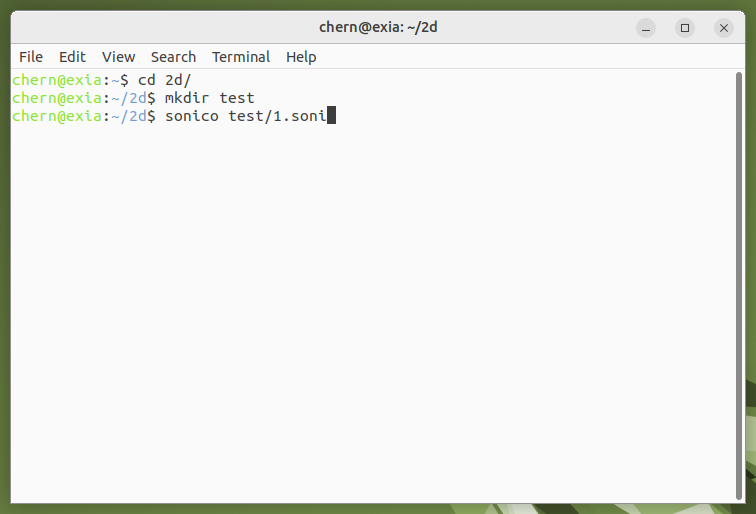
If you are using Linux, I'm going to assume you know your way around the terminal. The above screenshot shows changing to the directory 2d in the home folder, creating a directory called test in 2d and then creates and opens a Blue Bird file called 1.soni in the ~/2d/test directory. I wouldn't normally do things like that but please bear with me for the sake of demonstration.
In other words, creating and opening a Blue Bird file in your home directory is done like this:
bluebird ~/directory/name-of-file
Or if you have not installed it, this will create and open a file called 1.soni in your home directory:
./where-bluebird-root-directory-is/bluebird-root-directory/build/bluebird ~/1.soni
You can always save to wherever you like and name it to whatever you like.
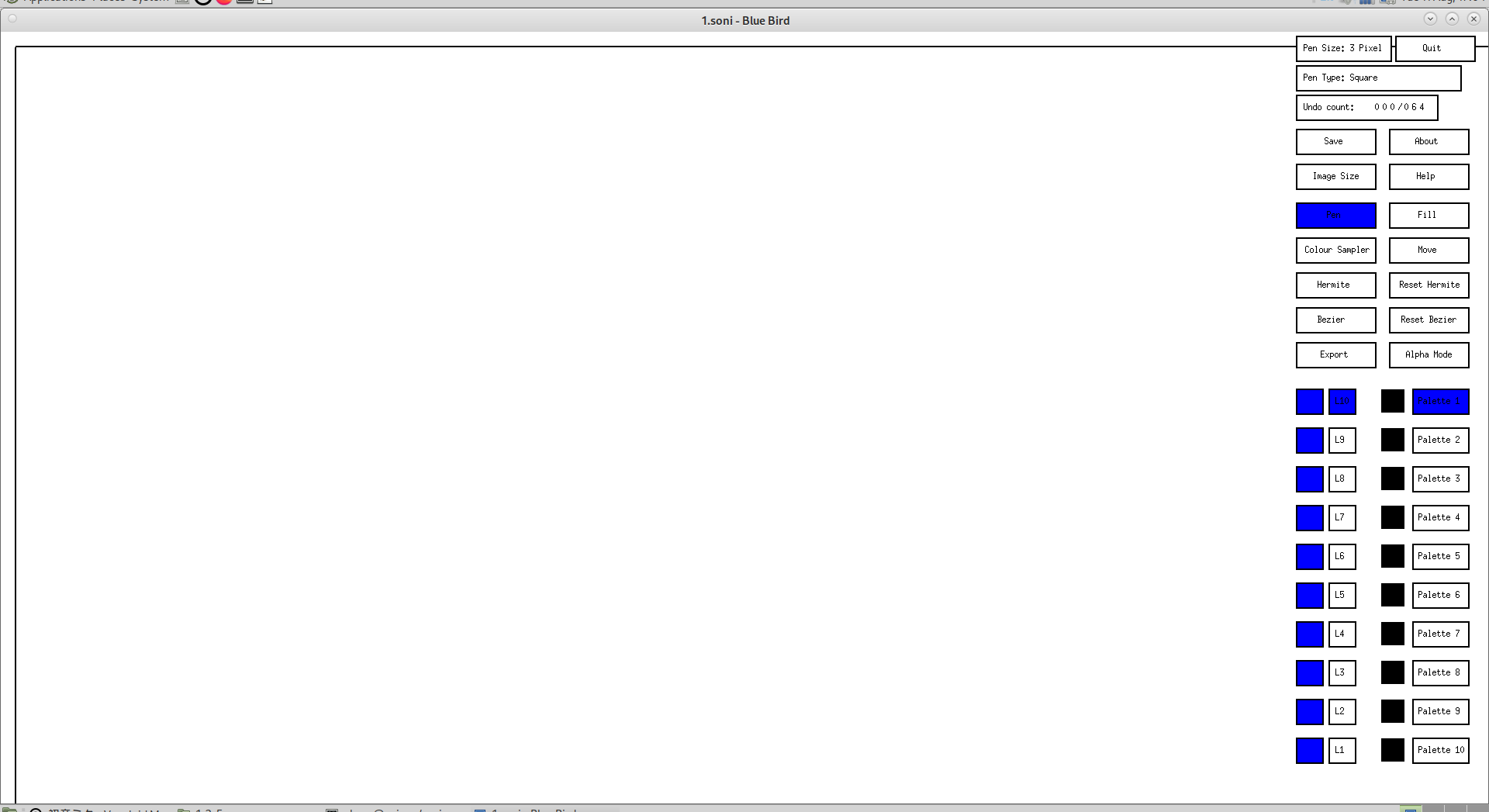
If you have a lot of frames and a lot of revisions, then it might be wise to save Blue Bird files as 1-1.soni, 2-1.soni, 2-2.soni etc. For example 1-1.soni will be first frame first revision, 2-1.soni will be second frame first revision and 2-2.soni will be second frame second revision and so on. A good idea is to copy and paste and rename files you are working on to back them up.
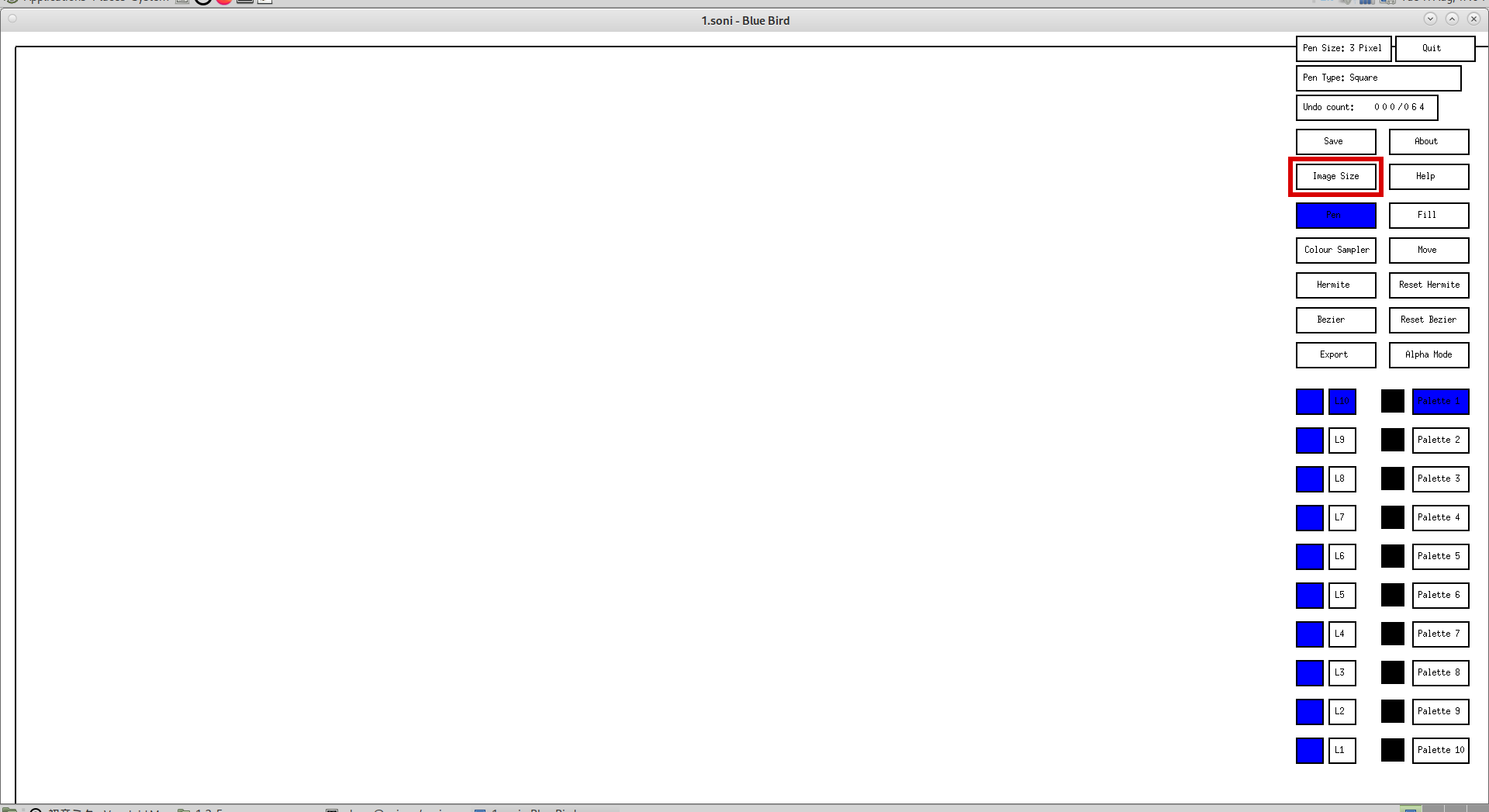
To change the size of the drawing, click on the "Image Size" button:
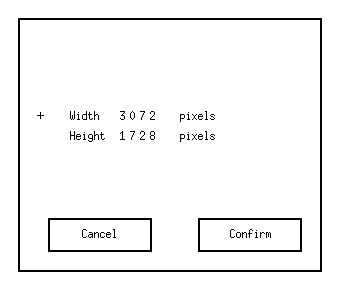
This will open the image size window, where you can enter the width and height of the drawing. Enter the image width then press enter/return, enter the image height then press enter/return. When it is decided, click the Confirm button to assign the new image size. Click the Cancel button to close the window without changing the image size:
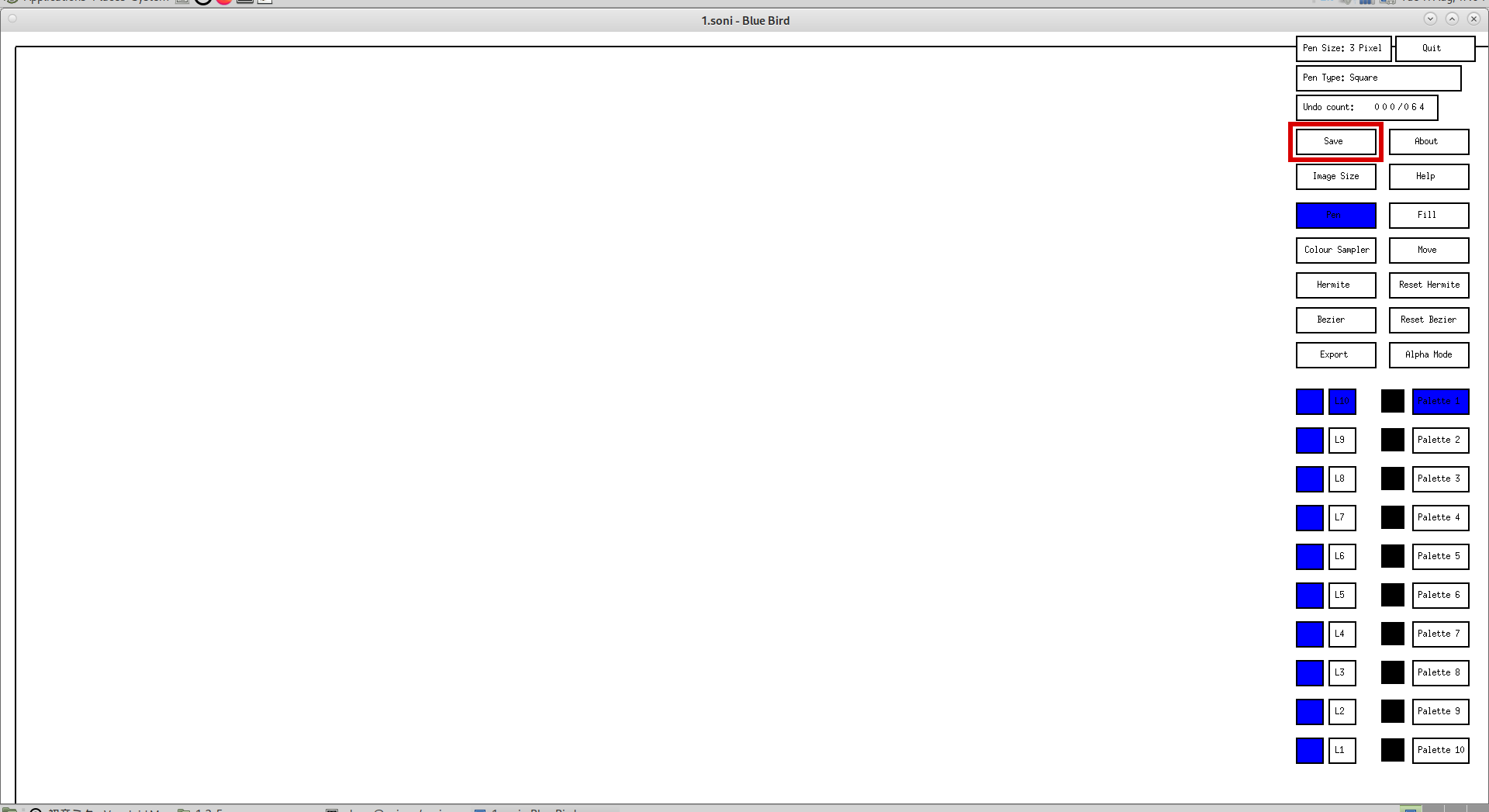
To save, click the "Save" button on the right:
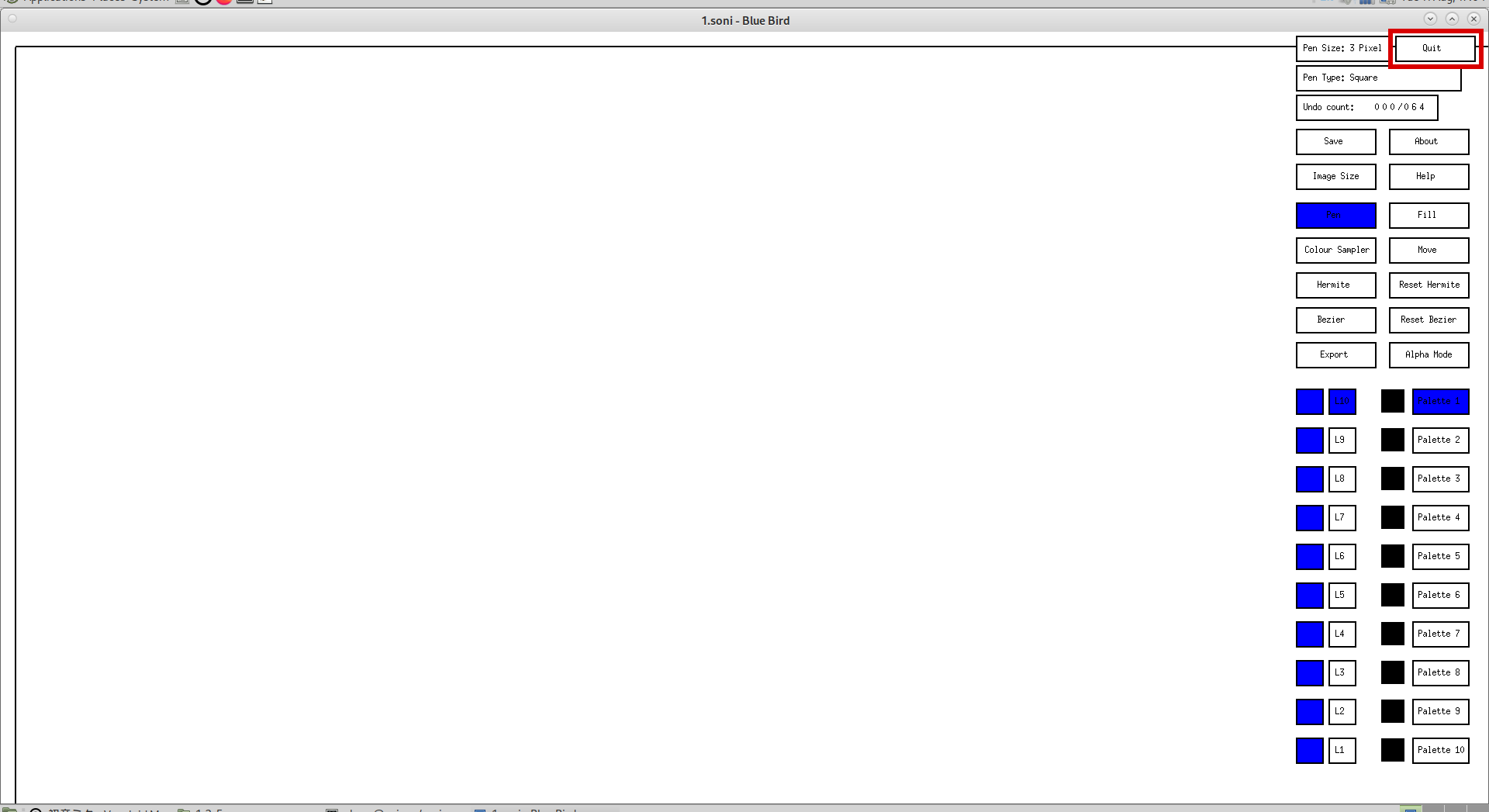
To quit the drawing, click the "Quit" button on the top right:
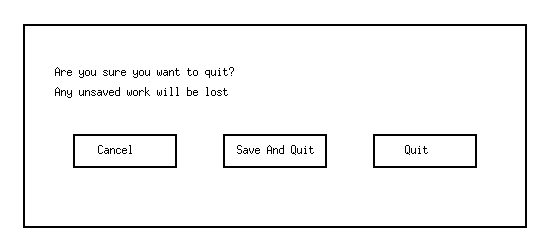
If the drawing or its settings have been edited and not saved, it will ask you if you want to cancel quitting, save and quit, or to just quit. Press the "Cancel" button to go back to the drawing. Press the "Save And Quit" button to save and quit. Press the "Quit" button to close the drawing (you will lose any unsaved work if you do this):
You can click on the X on the corner of the window for the same effect, but the quit button is there for window managers that don't have window decorations.
Opening a Blue Bird file is done the same way as creating the file:
bluebird ~/directory/name-of-file
Or for those who have not installed it:
./where-bluebird-root-directory-is/bluebird-root-directory/build/bluebird ~/directory/name-of-file
Please note that naming a file without a dot will export to a BMP that has the same name as exporting the file name with a dot. For example, 1.soni and 1 will both export to 1.bmp... (We will get to exporting later)